Documents Viewer
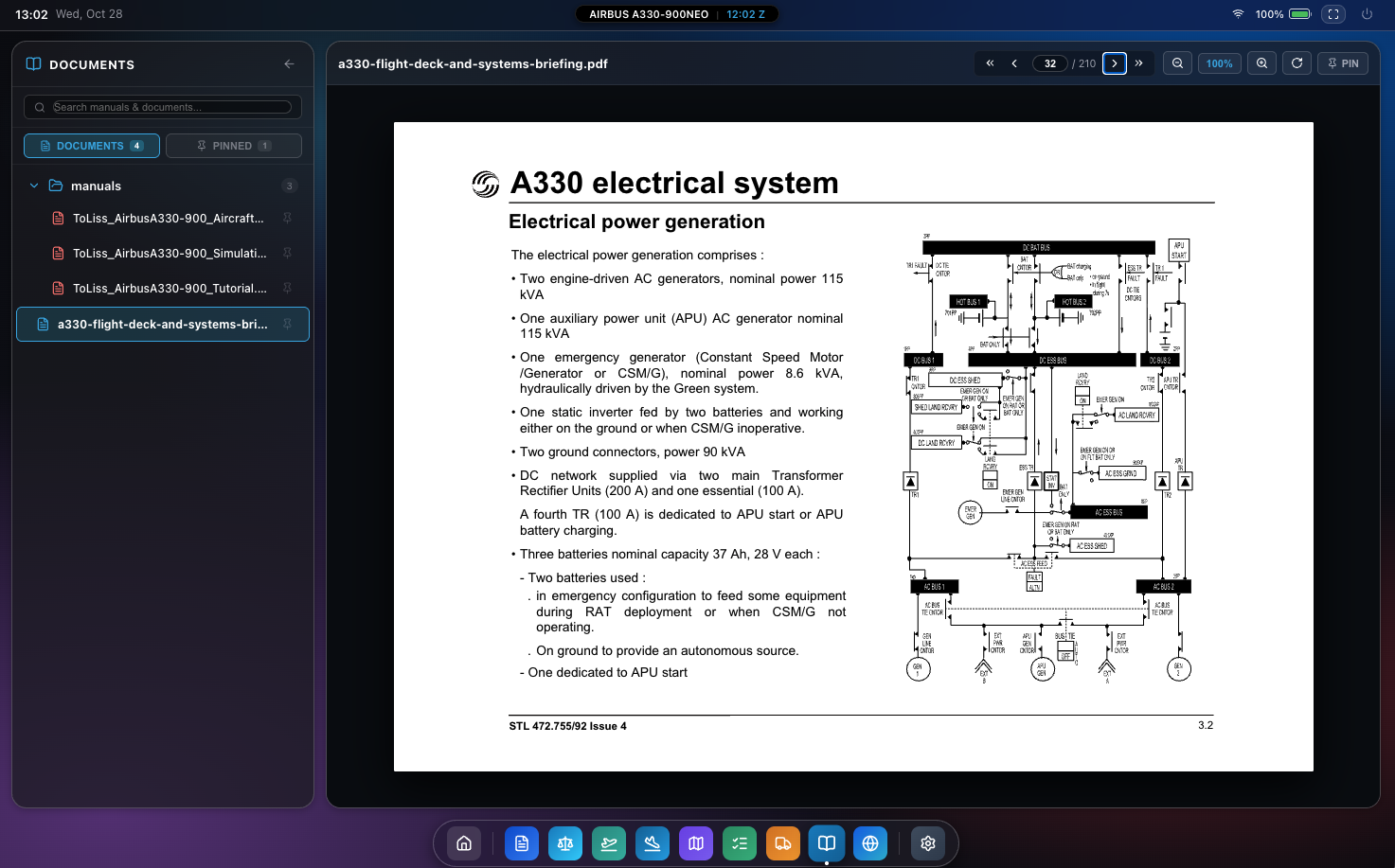
The Documents application allows flight crews to view PDF flight documentation, Quick Reference Handbooks (QRH), airline Standard Operating Procedures (SOPs), and Flight Crew Operating Manuals (FCOM) directly on the tablet screen.
Adding Your Own Documents
To make custom PDF documents available in the EFB:
- Navigate to one of the following folders:
- Your AlphaFloor EFB plugin folder:
X-Plane 12/Resources/plugins/AlphaFloorEFB/documents/ - Per-aircraft folder:
X-Plane 12/Aircraft/[aircraft_folder]/efb_docs/ - Create the folders if they don't exist
- Copy any standard
.pdffiles into the directory (e.g.,A320_QRH.pdf,Company_SOP.pdf,Route_Briefing.pdf). - Open or refresh the Documents application on the EFB. Your files will appear in the document library.
Document Viewer Controls
- Document Library: Lists all available PDF, allowing to pin favorites for quick access.
- Page Navigation:
- Tap the Next Page and Previous Page arrows to flip pages.
- Use the Page Jump box to type a specific page number and press Enter.
- Zoom & Pan: Adjust reading scale using the Zoom In/Out controls. Pan using the mouse grab.