AlphaFloor EFB User Guide
Welcome to the AlphaFloor EFB user guide. AlphaFloor EFB is a modern Electronic Flight Bag designed for X-Plane 12. It provides comprehensive operational flight planning, performance calculations, aircraft weight and balance management, charts, checklists, documents, weather radar, and ground servicing tools.
AlphaFloor EFB can be operated directly inside a 3D cockpit tablet on supported airframes, in a native 2D floating popup window, or streamed over your local network to any tablet, iPad, phone, or secondary computer.
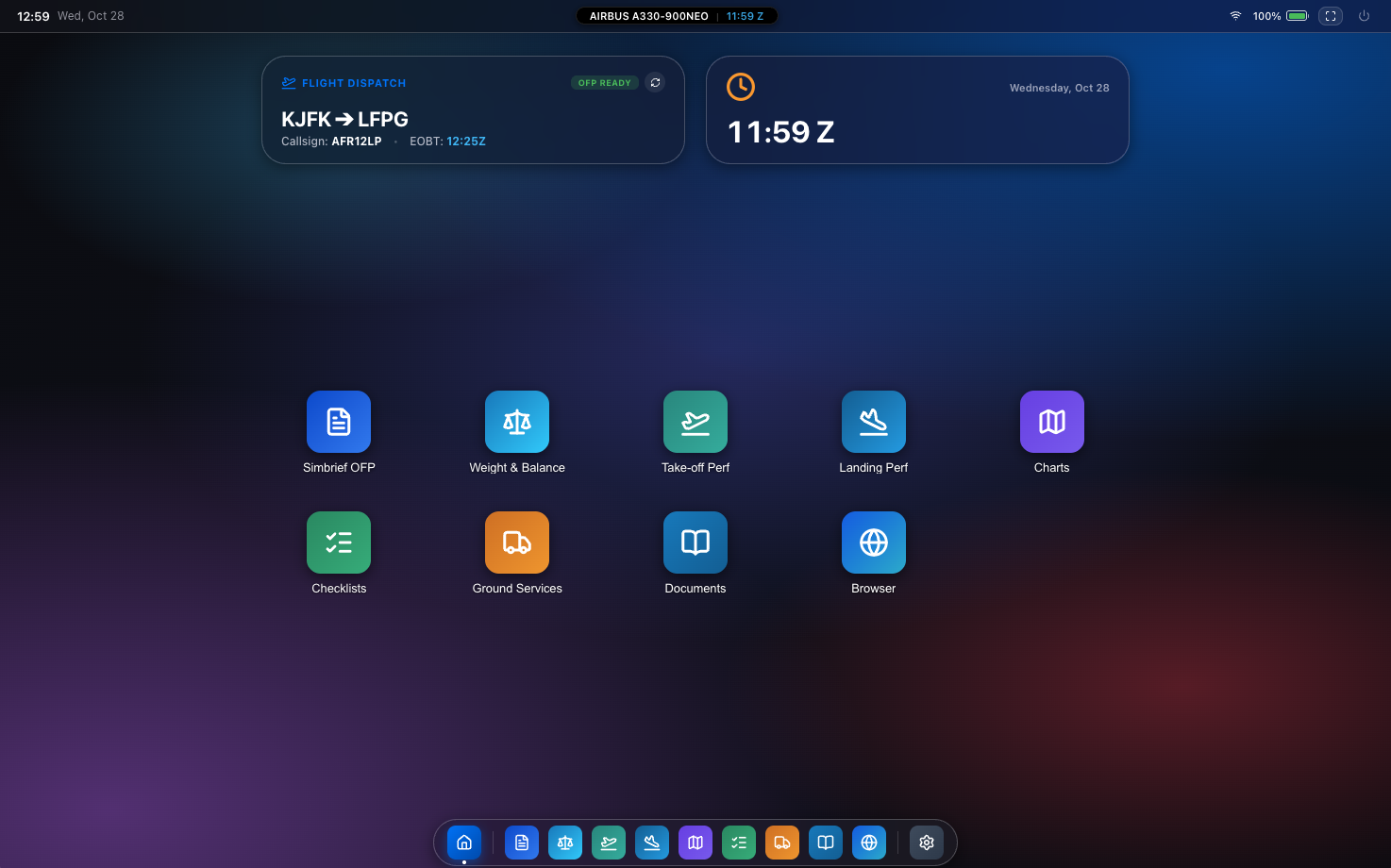
Supported Aircraft & Display Integration
AlphaFloor EFB provides dedicated cockpit integrations and tailored systems for officially supported airframes, while extending baseline flight bag features to any aircraft via its 2D popup window and web streaming:
1. Injected 3D Virtual Cockpit Tablet
- Laminar Research Airbus A330-300: Injects a standalone 3D tablet hardware model directly into the 3D cockpit via the modern X-Plane Avionics API, featuring native 3D mouse capture and physical bezel controls.
2. Cockpit EFB Integration (Existing Screen Takeover)
Renders directly into the aircraft's existing cockpit tablet display / AviTab slot with interactive touchscreen support and dual-mode overlay minimizing: * ToLiss A319 * ToLiss A320 & A320neo * ToLiss A321, A321neo, A321LR & A321XLR * ToLiss A330-900 * ToLiss A340-600 * Aerobask Diamond DA42 NG (native 3D tablet cockpit integration, tailored ground handling, and operational checklists) * Airfoillabs Cessna 172 Digital (native 3D tablet screen integration, tailored GA ground operations, tie-downs, engine covers, and full checklists)
3. Other Aircraft (Generic Mode)
- All Other X-Plane 12 Aircraft: Operates via the resizable 2D floating popup window and external Wi-Fi tablet streaming. Provides SimBrief OFP dispatch, Navigraph charts, live weather and radar, PDF documents, operational checklists, and generic fuel and payload sliders. (3D cockpit tablet integration and aircraft-specific FMGS/door automation are not available in Generic Mode).
Operating Modes
- 3D Virtual Cockpit Integration: Renders directly onto compatible 3D cockpit tablet screens on supported aircraft (ToLiss fleet, Aerobask DA42, Airfoillabs C172), or injects a dedicated 3D tablet model into the cockpit via the modern Avionics API (Laminar Research A330-300).
- 2D Floating Popup Window: Open a resizable 2D floating EFB window in any aircraft via
Plugins > AlphaFloor EFB > Show EFB Windowor theAlphaFloorEFB/toggle_windowkeybind command. - External Device (Wi-Fi LAN Streaming): Connect your iPad, Android tablet, phone, or secondary computer to the same local network as your simulation PC. Open the network address displayed in the EFB Settings to control the EFB with responsive touch controls.
Quick Navigation
- Installation Guide: How to install and verify the plugin.
- Licensing & Free Trial: Starting your 7-day free trial, purchasing a lifetime license, and multi-device activation.
- Interface & Controls: Cockpit interaction, window controls, and remote web access.
- Applications Guide: Step-by-step instructions for each built-in EFB application.
- Troubleshooting: Solutions for common setup and network issues.